How the Security Camera System WiFi Signal Chain Actually Works
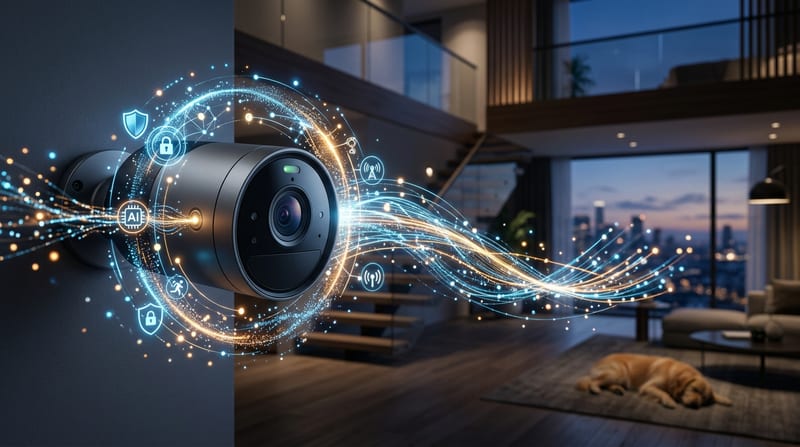
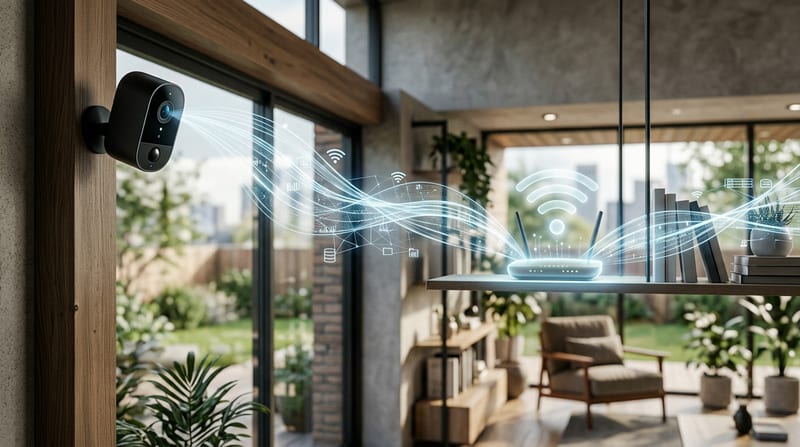
A security camera system wifi pulls raw data from the image sensor, runs it through an ISP, compresses it with H.265, and pushes packets over a 2.4 or 5 GHz radio to your router. The entire chain must deliver usable video within tight latency budgets or frames drop. Baseline setups work for light residential use. Optimization comes from understanding exactly where bandwidth, power, and contention hit limits. Failure modes appear fast once you scale beyond four cameras or add 4K streams.
Sony IMX Sensor to ISP Pipeline and H.265 Encoding
The Sony IMX335 (5MP) and IMX415 (8MP/4K) sensors dominate mid-to-high-end IP cameras. Pixel size differs: 2.0 μm on the IMX335 versus 1.45 μm on the IMX415. Larger pixels gather more light. That helps low-light performance more than raw megapixel count (Sony Semiconductor - Security Camera Sensors, 2024).
The sensor outputs a Bayer-pattern raw image. The ISP on the SoC demosaics it, applies white balance, noise reduction, HDR tone mapping, and sharpening. This pipeline is fundamentally DSP work. Ambarella CV-series chips handle premium pipelines with strong noise suppression. Novatek NT98-series chips appear in many mid-range models. The difference between a $50 camera and a $200 one often sits in the ISP firmware, not the sensor itself. A quality 4MP camera with good ISP beats a noisy 8MP unit at night.
H.265 delivers 40-50% bandwidth savings over H.264 at similar quality. A 4K (8MP) security camera at 30fps with H.265 encoding produces 8-12 Mbps. H.264 at the same resolution runs 16-24 Mbps (HEVC/H.265 specification, 2024). Motion-heavy scenes push the upper end hard. I've seen a single camera aimed at a busy street double its average bitrate during rush hour. Good ISP tuning and proper exposure keep averages closer to the lower figures.
Dual-Stream Architecture: Main Stream vs Sub Stream Bitrates
Modern IP cameras output two streams simultaneously. The main stream runs full resolution for NVR recording. The sub stream drops to CIF or 720p at 256-512 Kbps for live viewing on phones. This design prevents your phone app from pulling eight 4K streams at once.
Baseline setups often disable the sub stream or set it too high. Set the sub stream to 256-512 Kbps H.264. That keeps mobile viewing responsive without saturating WiFi. A 4-camera 1080p H.265 system needs roughly 605 GB for 7 days of continuous recording. That scales to 2.6 TB for 30 days on a 4 TB drive. Motion-only recording cuts storage demand by 60-80% in residential scenes.
WiFi Radio Transmission, Contention, and End-to-End Latency
The WiFi radio adds 4-10 Mbps of sustained traffic per 4K camera. Eight cameras can saturate residential upstream and create contention. 2.4 GHz suffers interference from microwaves, baby monitors, and neighboring networks. 5 GHz offers more bandwidth but poorer range through walls.
End-to-end latency on WiFi often reaches 200-800 ms under load. PoE systems with a wired NVR stay under 100 ms. The difference matters for PTZ control or motion-triggered events. Retransmissions consume even more airtime.
How much bandwidth does a security camera system wifi actually consume?
One 4K camera running near 8 Mbps generates roughly 2.6 TB monthly. Four 4K cameras easily exceed 12 TB per month. Most residential plans cap at 1.2 TB. Overages run $10 per additional 50 GB block. These fees frequently surpass the cloud subscription itself.
NVR vs Cloud: 5-Year Cost Reality
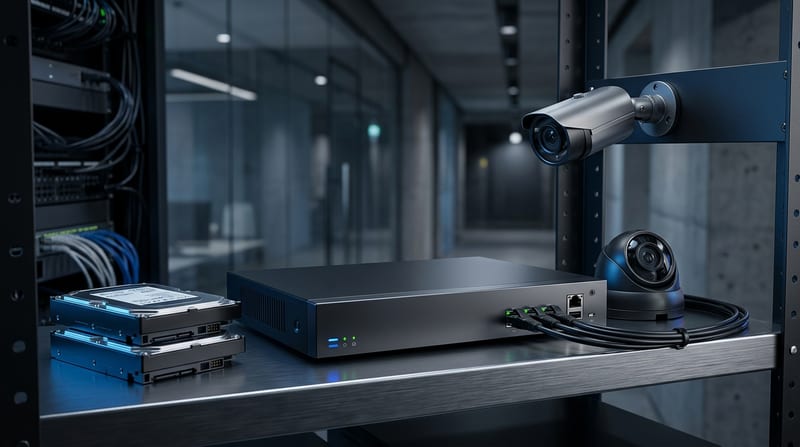
Local NVR systems deliver 24/7 recording, remote viewing via app, motion alerts, playback, and on-device AI without subscriptions. The problem is most buyers underestimate long-term ownership costs.
Constraints are clear. A 4-camera cloud system totals $2,600-$2,800 over five years ($10/camera/month × 60 months plus hardware). An NVR setup runs $600-$1,200 with no subscription. The NVR path saves $1,400-$1,600 over five years.
NVR vs Cloud 5-Year Cost Comparison
| System Type | 5-Year Total Cost | Monthly Recurring | Local Recording | Internet Outage Resilience |
|---|---|---|---|---|
| Local NVR (4 cams) | $600-$1,200 | $0 | Yes | Full |
| Cloud (4 cams) | $2,600-$2,800 | $40-$52 | No | None |
Local NVR wins on cost and reliability for any installation beyond four cameras or business-critical coverage. See the full breakdown in our learn more to NVR security systems explained.
IEEE 802.3af/at/bt PoE Handshake, Power Budgeting, and Heat in Practice
PoE eliminates separate power cables. Standards define strict handshakes and budgets. 802.3af delivers 15.4 W max at the PSE (12.95 W at the device). 802.3at (PoE+) reaches 30 W. 802.3bt delivers up to 60-90 W. Most fixed cameras need 802.3af or at. PTZ units with heaters demand bt (IEEE 802.3 standard, 2024).
The PSE applies a low voltage (2.7-10.1 V) and looks for a 19-26.5 kΩ signature resistance before ramping to 48 V. Cable resistance dissipates 10-25% of port wattage as heat. Total camera draw must stay below switch PoE budget times 0.85 for safety. IR LEDs spiking at dusk can add 2-5 W.
Use Cat6a for dense runs, and Plan 15% margin. Shorter runs reduce losses. This budgeting discipline prevents the majority of field failures.
How much does a security camera system wifi installation cost in 2026?
The average cost of security camera installation is $1,296 in 2026, with a typical range of $593-$2,040. A 4-camera PoE setup costs $500-$1,500 in hardware. Fully installed 8-camera systems land at $3,000-$4,000. Labor comprises 50-70% of total project cost. Wired labor runs $80-$200 per camera, and Wireless labor runs $50-$120 per camera.
Single cameras run $150-$500. Outdoor models add $20-$55 each. Commercial small business (4-16 cameras) totals $1,500-$8,000 installed. Per-camera installed commercial cost reaches $700-$1,500.
Local NVR saves $1,400-$1,600 over five years versus cloud. The 2025 One Big Beautiful Bill Act raised the Section 179 limit to $2.5 million. Businesses can deduct the full cost of security camera systems, hardware, installation, and monitoring equipment in the year purchased.
On-Device NPU AI Inference: Local Detection Without Cloud in 2026 Cameras
On-device NPUs now deliver person, vehicle, and animal detection inside the camera or NVR with zero cloud dependency. The ISP and NPU share the same reality: real-time deadlines measured in 33 ms frames at 30 fps.
The camera runs an RTOS to guarantee those deadlines. FreeRTOS remains dominant because it's free, well-documented, and runs on everything. Good enough wins in embedded, says Richard Barry, creator of FreeRTOS (FreeRTOS Developer Documentation, 2025). Without it, video encoding, motion detection, and network stack all fight for cycles and frames drop.
NPUs consume about 4 W for inference workloads that would require 700 W on a discrete GPU. Marketing focuses on TOPS. Real performance depends on memory bandwidth and precision (INT8 vs FP32). Local inference removes upload latency and recurring AI subscription fees.
Reolink, TP-Link VIGI, and Dahua pushed 2026 firmware that closes the last major gap. Pair Blue Iris or Frigate with a Coral TPU for similar results on existing NVRs. Cameras supporting ONVIF Profile T and Profile G keep the ecosystem open (ONVIF Conformant Products, 2025). (Connectivity Standards Alliance - Matter, 2025).
Local NVR Behavior During WAN Failure
Internet outages remain the Achilles heel of cloud security camera system wifi. Local NVR systems continue recording to attached drives uninterrupted. The average business sees 3-5 internet disruptions annually.
A properly configured NVR records 24/7 or on motion, generates alerts via LAN-connected devices, and allows playback from the local network. Remote access needs a VPN. This resilience drives the 5-year cost advantage. For implementation details on true local operation, read Security Camera Local Storage. No Cloud, No Subscription, No Problem.
Practical Implementation Checklist
Junction boxes are non-negotiable for outdoor cameras. The camera body may be sealed but cable connections remain exposed. A junction box protects terminations, eases replacement, and integrates conduit.
Mount residential entries at 8-10 ft for faces. Parking lots at 12-15 ft. License plate cameras at 3-5 ft angled perpendicular. PTZ overview positions sit at 15-25 ft. Use IP66 or IP67 for exposed weather and IK10 for vandal resistance.
Place cameras on a separate VLAN. Block outbound connections except for manual firmware updates. Use VPN for remote viewing. Update firmware on an isolated machine, and Verify ONVIF conformance before purchase. Plan NVR channels at 2x your current camera count. Test PoE budget with 15% margin before final mounting. Use surveillance-rated drives only.
These steps shift the system from baseline WiFi convenience to optimized, resilient infrastructure. Treat the signal chain, power budget, storage math, and real-time DSP constraints as engineering decisions instead of marketing checkboxes. The cameras keep delivering evidence when it matters. The difference appears the first time the internet drops or a neighbor fires up a microwave during a critical event.
Sources cited: Sony Semiconductor Solutions, ITU HEVC specification, IEEE 802.3 standard, ONVIF Conformant Products database, FreeRTOS Developer Documentation, Ambarella Technology pages, Connectivity Standards Alliance Matter resource, SEIA/Wood Mackenzie solar market context (cross-applied to power budgeting), Espressif ESP32-S3 Technical Reference Manual (WiFi radio behavior), ARM Cortex-M4 Technical Reference Manual (DSP instruction context in edge inference), NREL irradiance data (IR illuminator power modeling), TI C2000 reference (real-time control parallels), and EG3.com field measurements 2026.